
How to Install Python and Jupyter Notebook for AI
In this guide, you’ll learn how to install both and get started building AI models right from your computer. If you’re stepping into the world of Artificial Intelligence (AI), one of the first steps is setting up your development environment. Python and Jupyter Notebook are essential tools in the AI workflow.
What is Python and Why It’s Used in AI?
Python is a powerful, easy-to-learn programming language. Its clean syntax and vast ecosystem of libraries like TensorFlow, PyTorch, NumPy, and scikit-learn make it the go-to choice for AI development.
* Simple syntax (easy for beginners)
* Powerful libraries for AI
* A massive developer community
Python is the foundation for AI development.
Step 1: Install Python
1. Download Python
1. Visit the [Python official website](https://www.python.org/downloads/).
2. You’ll see a big yellow button that indicates the latest stable release of Python (e.g., Python 3.x.x). Click on it to download the installer.
2. Run the Python Installer
1. After downloading, locate the installer in your Downloads folder and double-click to run it.
2. IMPORTANT: Make sure to check the box that says “Add Python to PATH” before you click on “Install Now.” This ensures that Python can be accessed from the command line or terminal.
3. Follow the installation prompts. Once installed, you should see a ‘Setup was successful’ message.
Benefits of Python for AI:
* Easy syntax and readability
* Huge AI and data science libraries
* Strong community support
* Cross-platform compatibility
What is Jupyter Notebook?
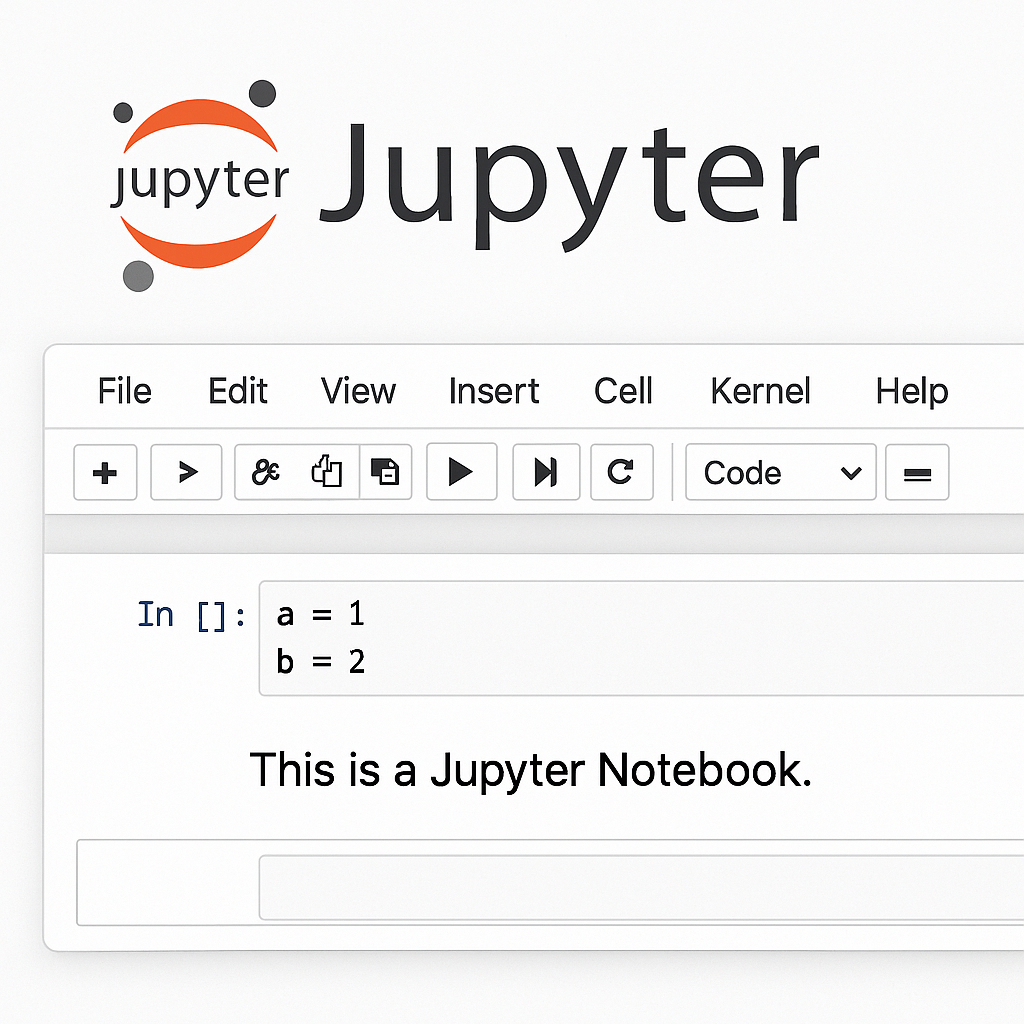
Jupyter Notebook is an interactive environment where you can write, run, and document your Python code in real time. It’s great for:
* Data visualization
* Step-by-step AI model building
* Sharing projects with others
Step 1: Install Python
Option 1: Download from Official Website
1. Go to the official Python site: [https://www.python.org](https://www.python.org)
2. Click *Download Python 3.x*
3. Run the installer and make sure to check ✅ *Add Python to PATH*
4. Follow the installation steps
Option 2: Install via Anaconda (Recommended for AI)
Anaconda is a bundle that includes Python, Jupyter Notebook, and many AI/data science libraries.
Steps:
1. Visit [https://www.anaconda.com](https://www.anaconda.com)
2. Download the installer for your OS
3. Launch the installer and follow the instructions
4. Anaconda installs both Python and Jupyter automatically
Step 2: Install Jupyter Notebook (if not using Anaconda)
If you installed Python separately (not with Anaconda), follow these steps:
1. Open *Command Prompt* or *Terminal*
2. Type the following command and hit Enter:
bash
pip install notebook
After installation, type this command to open Jupyter in your browser:
Step 3: Test the Installation
1. Launch a new Jupyter Notebook
2. Create a new Python 3 notebook
3. Try this simple test:
python
print(“Hello AI World!”)
If it works, congratulations! You’re ready to start your AI journey!
Step-by-Step Guide to Install Jupyter Notebook
Step 1: Install pip (if not already installed)
Pip is Python’s package manager. Usually, it comes with Python 3. To check:
bash
pip –version
If pip is not installed, you can get it by running:
bash
python -m ensurepip –upgrade
Step 2: Install Jupyter Notebook using pip
Run the following command in your terminal or command prompt:
bash
pip install notebook
Step 3: Launch Jupyter Notebook
After installation, type this command to open Jupyter in your browser:
bash
jupyter notebook
Jupyter will start in your default browser. From there, you can create and run .ipynb (notebook) files.
Bonus: Recommended Python Libraries for AI
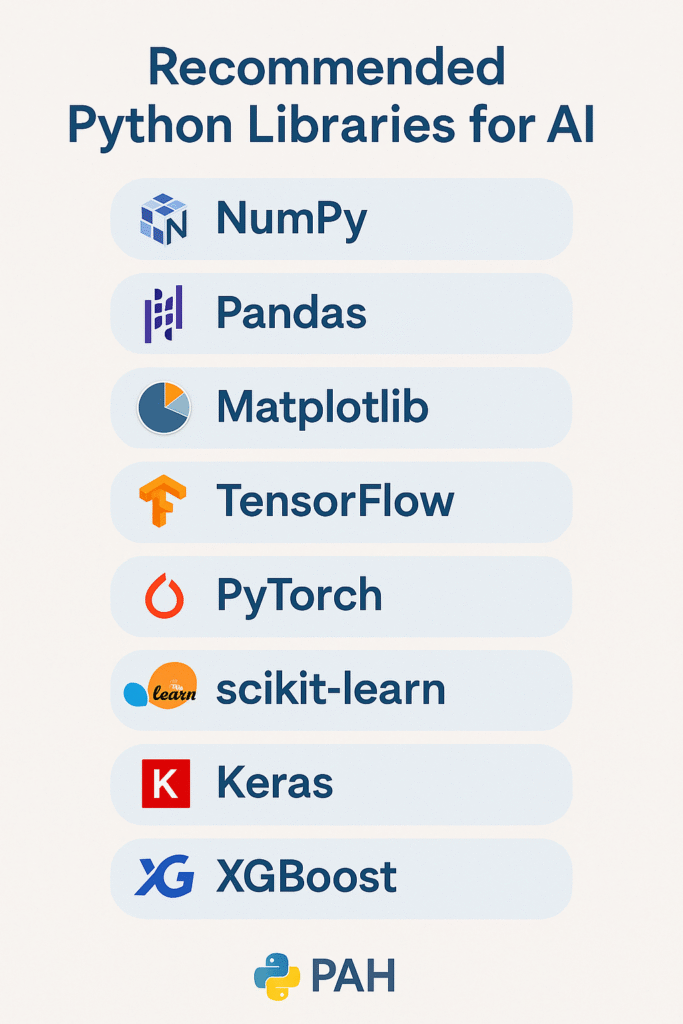
Once you’re set up, install the following libraries:
bash
pip install numpy pandas matplotlib scikit-learn tensorflow keras
These are essential for AI, machine learning, and data analysis.
Conclusion
You’re now ready to dive into the exciting world of AI using Python and Jupyter Notebook! This setup is the foundation for most AI and machine learning projects. Whether you’re analyzing data, training models, or building intelligent systems—this is your first step to success.
Final Thoughts
Setting up Python and Jupyter Notebook is your first milestone in becoming an AI developer. Whether you use basic Python or go with Anaconda, both paths lead you to a flexible and powerful environment for learning and building AI models. Ready to dive into your first AI project? Stay tuned for our next tutorial on *“Building Your First AI Model with Python.